
Leverage shortens the distance between a small market move and a large account change.
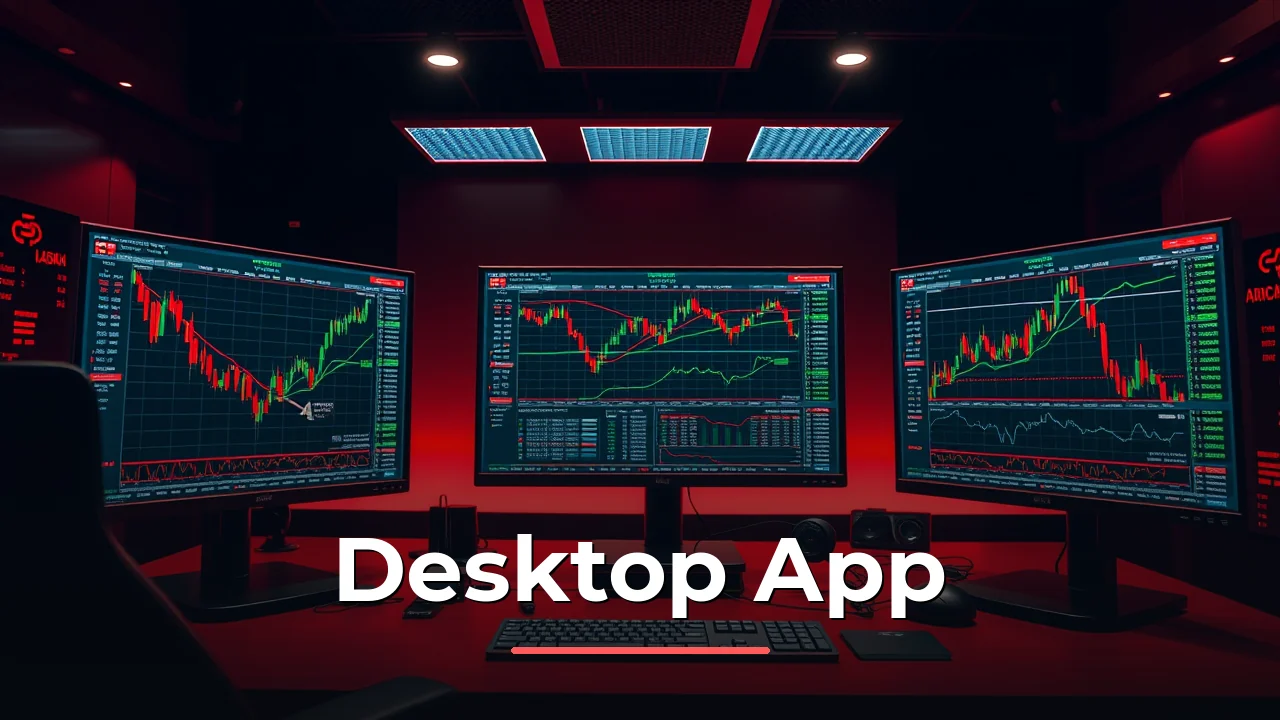
Trading from a desktop in India means running the Interactive Brokers platform on Windows or macOS. This page walks through the actual experience: how the PC app connects to the SEBI-regulated entity, what the onboarding requires, and where the desktop setup fits alongside the mobile app.
Interactive Brokers (India) Private Limited operates as a fully domestically regulated broker under SEBI registration INZ000217730. That registration covers NSE and BSE membership plus NSDL depository services (IN-DP-NSDL-301-2008). For Indian residents, the desktop app is not a workaround for offshore access. It is the same local account, accessed through a bigger screen.
The PC Platform Lineup
Interactive Brokers gives Indian clients three desktop routes into the same account. Each serves a different workflow.
| Platform | Best for | Notes |
|---|---|---|
| Trader Workstation (TWS) | Active trading, complex orders | Industry-standard desktop terminal |
| IBKR Desktop | Modern UI, simpler navigation | Newer interface, less clutter |
| GlobalTrader | International markets via LRS | Separate overseas account needed |
| Web Client Portal | Quick checks, no install | Runs in any browser |
The mobile app covers monitoring and quick execution. The PC version handles the heavy work: multi-leg option strategies, advanced charting, and order types that simply do not fit on a phone screen. Most traders run both, with the PC as the command centre during market hours.
Download and Installation Steps
Getting the PC app installed takes about ten minutes, though the account approval takes longer.
The platform supports Windows 10 and newer, plus macOS. The file size is substantial, roughly 500 MB for TWS, so a stable connection helps.
System requirements are modest by current standards: 8 GB RAM and a modern processor handle the platform comfortably. The app runs lighter than a browser with multiple trading tabs open.
Account Setup for India
Opening the account happens before the download matters. Interactive Brokers India requires a PAN card plus Aadhaar for KYC. The account type is an NSE/BSE trading account paired with a demat account, which is the standard structure for exchange trading in India.
| Requirement | Detail |
|---|---|
| Minimum age | 21 years |
| PAN card | Mandatory |
| KYC documents | Aadhaar, address proof, bank proof |
| Data subscription fee | USD 100 equivalent in INR |
| Base currency | INR for domestic account |
| Funding method | Bank transfer via NEFT/RTGS |
Approval typically takes 24 to 48 hours after document submission. Paper-based onboarding has historically been noted as cumbersome, though processes have improved.
A market data subscription costs USD 100 equivalent in INR. This covers exchange feeds, and it is a deposit that funds the account rather than a separate payment.
Trading What the Desktop Handles
The PC platform in India connects to a specific instrument set. The domestic account trades NSE and BSE stocks with demat settlement, plus futures and options on those exchanges. Leverage follows SEBI and exchange margin rules, which means SPAN plus exposure margins on derivatives rather than fixed offshore ratios.
| Instrument | Available on PC App | Notes |
|---|---|---|
| NSE/BSE equities | Yes | Demat settlement, DMA execution |
| Futures and options | Yes | Exchange-set margins |
| Currency derivatives | Yes | INR pairs on NSE/BSE/MSE |
| Offshore CFDs | No | Not offered by the India entity |
| Spot forex | No | Restricted for Indian residents |
The desktop platform provides direct market access with per-exchange commissions. That means low-cost execution, but it also means no bundled pricing. Each exchange fee shows separately on the statement.
Overseas markets require a separate overseas account funded through the Liberalised Remittance Scheme, with its USD 250,000 annual cap. The PC app does not merge these accounts into one view, though both can be accessed from the same installation.
Deposit and withdrawal routes in India
Deposits and withdrawals run through Indian banking rails, so the desktop app does not change the funding picture. NEFT and RTGS transfers move money into the trading account, and the same route returns funds on withdrawal.
| Funding Method | Speed | Limit |
|---|---|---|
| NEFT | Same day or next | Standard bank limits |
| RTGS | Real-time during bank hours | High-value transfers |
Withdrawals to a linked bank account typically settle within one to two business days after the request. The desktop platform has no hidden speed advantage here; the settlement depends on the banking system rather than the software.
Tax treatment follows the instrument type. Exchange-traded currency futures and options profits count as non-speculative business income taxed at individual slab rates. Intraday speculative positions are speculative business income, with losses carried forward four years versus eight for non-speculative losses. A 20% TCS applies to LRS remittances above Rs 10 lakh per financial year, effective 1 April 2025.
Trading spot forex or CFDs with offshore brokers is illegal for Indian residents, and margin forex is not a permitted LRS end-use. The RBI maintains an Alert List of unauthorised platforms, updated regularly (95 entities as of 19 November 2025). The desktop app from Interactive Brokers India operates inside the exchange framework, which sidesteps that issue entirely.
Desktop Versus Mobile Reality
The mobile app handles the quick tasks. Notifications, position checks, and small adjustments work fine on a phone. The PC version exists for a different reason.
TWS on a desktop gives you multiple monitors with different chart layouts, a full option chain visible without scrolling, and order entry that does not fight a touch keyboard. The difference shows when you are rolling a position or building a multi-leg strategy.
| Task | Mobile App | Desktop App |
|---|---|---|
| Check positions | Excellent | Good |
| Quick market orders | Good | Good |
| Complex option strategies | Limited | Full capability |
| Multi-chart analysis | Weak | Strong |
| API access | No | Yes |
The API support matters for traders who build their own tools. The desktop platform connects to the same API used by institutional clients, which is rare at the retail level in India.
Active trading cost structure
The desktop app from Interactive Brokers India suits a specific profile. If you trade NSE and BSE equities or derivatives actively, the per-exchange commissions keep costs low and the platform depth gives you the tools institutional traders use. The SEBI registration and NSDL depository participation mean the account sits inside the regulated framework rather than outside it.
- Suits
- NSE/BSE trading + demat account
- Swap-free account option
- Not offered
- Does not suit
- Interactive Brokers (India) Private Limited sits in a lower protection tier than a fully regulated top-tier broker because it is
- Currency note
- INR for domestic account
Use it if you trade derivatives or equities several times a week and want direct market access with transparent, per-exchange pricing. The desktop platform also fits if you run any scripted or API-based trading, since the API access is genuinely institutional-grade.
Look elsewhere if you want a fully digital onboarding without paperwork, since Interactive Brokers India still carries some historical bureaucracy. If you primarily want spot forex or CFD-style leverage, this is the wrong product for India-the legal framework restricts these instruments for residents. A more straightforward mobile-first broker or a fully domestic discount broker might serve those needs better. For exchange-traded securities in India, the Interactive Brokers desktop app holds up well.


Questions
Can I download Interactive Brokers app for PC in India?
Yes, the Interactive Brokers India website offers TWS and IBKR Desktop installers for Windows and macOS. The download works with the SEBI-registered Indian entity, and there is no need for a VPN or offshore account.
Does the Interactive Brokers PC app work with NSE and BSE?
The desktop platform connects directly to NSE and BSE through the SEBI-registered entity, covering equities, futures, and options with demat settlement. Trading settles in INR with no domestic currency conversion.
What are the system requirements for the Interactive Brokers PC app?
TWS runs on Windows 10 or newer and macOS with 8 GB RAM recommended. IBKR Desktop is lighter and works on similar hardware, while the web client runs in any modern browser with lower performance demands.